Author: Nova Chen · Published: 2026-03-08 · 20 min read
Text-to-Video for Beginners: Prompts, Structure, and Iteration That Work
Write prompts that control what changes on-screen—scene grammar, iteration discipline, and Vivify AI multi-model tests for consistent, trend-ready clips.
Text-to-video (TTV) is one of the fastest ways to move from imagination to motion—but only when your prompts describe what should change on screen instead of listing vague adjectives. In 2026, short-form audiences are prompt-literate; they can feel “generic cinematic” language instantly. Modern video models respond reliably to subject, setting, action, camera behavior, and lighting constraints stated in plain, testable language.
Start with intent, not adjectives
Ask: What must the viewer understand in the first second? Name the focal subject and the single most important motion. Words like “cinematic” or “beautiful” do not give the model a differentiable target; “slow dolly-in toward the subject’s face, soft rim light, shallow depth of field” does—because each phrase maps to a visual decision.
A simple prompt skeleton
Use this order:
- Subject — who or what is on screen
- Environment — indoor/outdoor, time of day, weather if relevant
- Action — what moves, and how fast
- Camera — angle, lens feel, movement (handheld, tripod, drone-like)
- Style anchors — one or two references (film stock, palette), not ten
Add negative constraints sparingly (“no text overlays,” “no warped hands”) when your model supports them; over-long ban lists can fight your positive instructions.
Iterate with Vivify AI
Vivify AI supports multiple premium models so you can compare interpretations of the same creative brief. Practical loop:
- Generate a 3–5 second preview when available.
- Change one variable per iteration (lighting OR camera OR pacing).
- Keep a “winning prompt” note in your project so brand look stays consistent across clips.
Creation workspace in Vivify
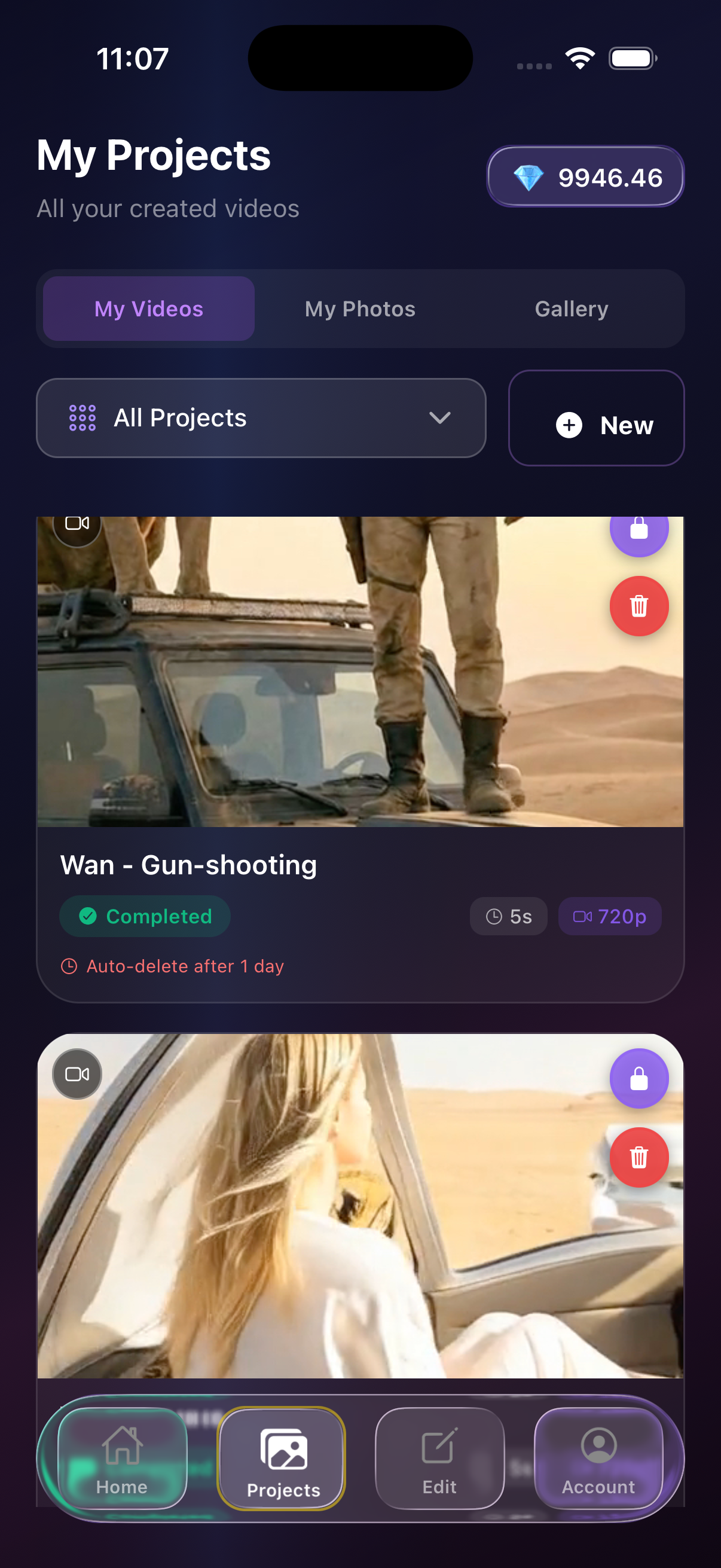
Draft prompts in the creation flow—iterate short previews before you commit to a long render.
Common pitfalls
- Prompt soup: too many instructions that contradict each other.
- Ambiguous motion: “make it dynamic” → specify direction and speed.
- Ignoring aspect ratio: decide 9:16 vs 16:9 before finalizing composition language.
- Trend cosplay: copying buzzwords from viral posts without structural beats—write setup / turn / payoff instead.
FAQ
How long should prompts be?
Long enough to specify constraints, short enough to avoid conflicts. Often 3–6 focused lines outperform giant paragraphs.
Do I need technical camera terms?
Helpful but not mandatory. “Eye-level medium shot” is enough if the rest of the scene is clear.
Where does Vivify AI fit in a team workflow?
Marketing and social teams can parallel-test hooks; creators can storyboard in language instead of expensive reshoots.
Takeaways
- Anchor prompts in scene grammar, not vibes.
- Iterate one lever at a time.
- Use Vivify AI to compare models without switching apps.
Create with Vivify AI
Download the app and turn ideas into videos in minutes.