Author: Leo Hart · Published: 2026-03-15 · 21 min read
Image-to-Video Storytelling: Depth, Motion, and Continuity for Mini-Narratives
Build trend-ready mini-stories: pick source frames with narrative energy, direct one dominant motion per clip, and keep continuity across shots with Vivify AI.
Image-to-video (I2V) works best when your still is not just “pretty” but directorial: clear subject separation, readable depth cues, and space in the frame for motion. The model infers how light, parallax, and micro-movements evolve—your job is to supply a photograph that invites a believable next moment, not a fight that the model must resolve.
Choose images that lead the eye
Strong silhouettes, uncluttered backgrounds, and visible horizon or perspective lines help models estimate depth. Faces and products benefit from three-quarter or eye-level angles where depth reads naturally. Avoid edge clutter at the frame border—many artifacts begin where the subject meets a busy background.
Motion as narrative, not noise
Decide what changes: camera push, subject gesture, environmental wind, or a transformation beat. One dominant motion per clip usually reads cleaner than three competing movements. In 2026 short-form feeds, viewers punish clips that feel “busy” without payoff—one clear motion beat often outperforms a stack of effects.
Continuity across related clips
When you assemble a mini-story from multiple generations:
- Keep palette and lighting language aligned in prompts.
- Reuse the same style anchors (“warm tungsten interior,” “overcast daylight”).
- Match aspect ratio, grain, and sharpening in post for a unified sequence.
If characters recur, keep wardrobe and hair silhouette consistent across prompts; small mismatches balloon into continuity errors when motion starts.
Vivify AI in the loop
Use Vivify AI to generate variations from the same base image or to harmonize effects across clips. Multi-model access helps you pick the interpretation that preserves identity and texture—then you can standardize color and motion cadence so the series feels like one creator, not one random experiment per clip.
Gallery and source images in Vivify
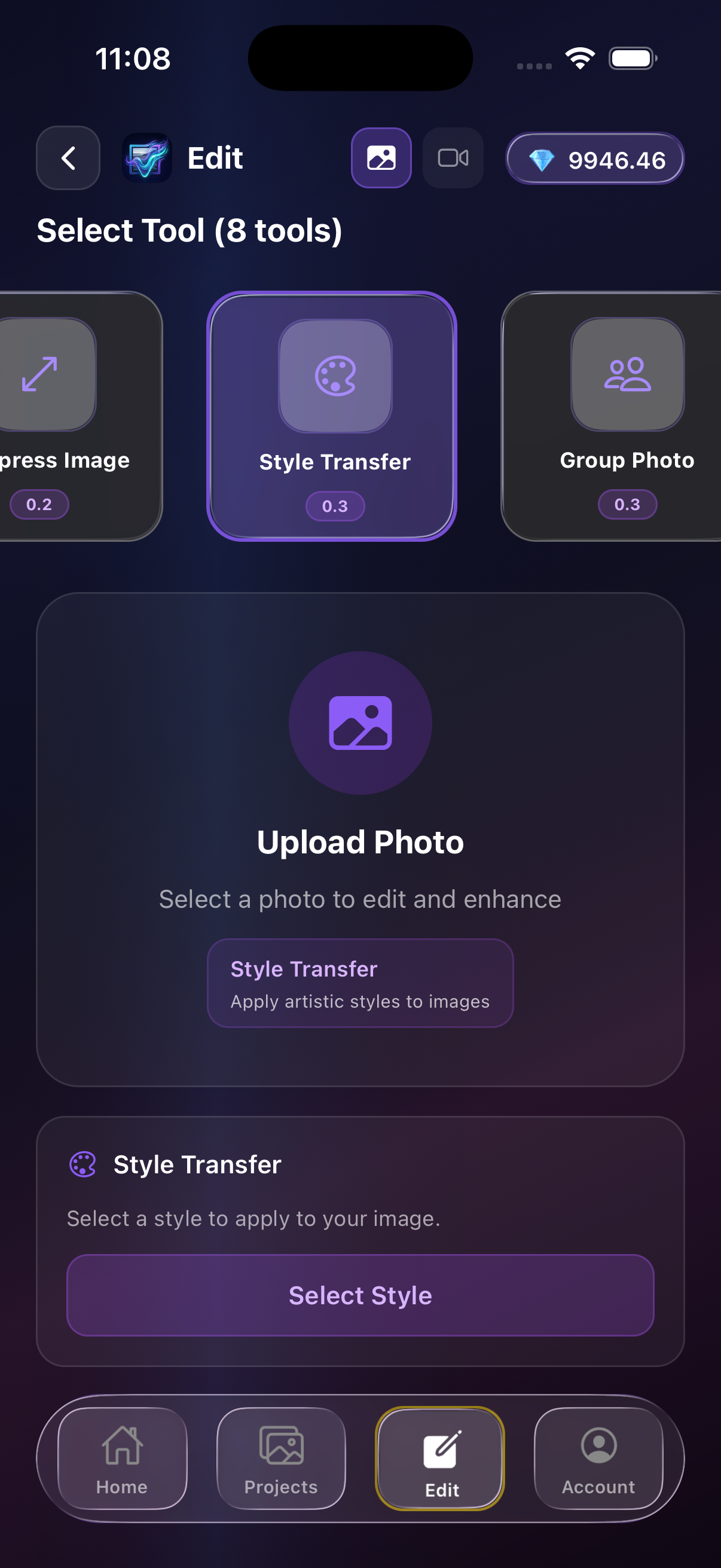
Pick a strong still from your gallery or imports—your I2V chain starts from a readable frame, not a random thumbnail.
FAQ
Why does my I2V clip look unstable?
Often the source image has ambiguous depth or conflicting edges. Try cropping to simplify or regenerate with clearer foreground/background separation.
How do I keep characters recognizable?
Avoid extreme foreshortening in the still; prefer neutral poses before animating expressive motion.
Takeaways
- Treat still frames as creative direction, not wallpaper.
- Anchor one motion per clip.
- Use Vivify AI to align style and identity across a sequence.
Create with Vivify AI
Download the app and turn ideas into videos in minutes.